
PDF drawing review
Share PDF drawings for review
Mark up a drawing locally, send an editable PDF for comments, and keep a separate CSV review log.
- Editable PDF export
- Flattened PDF option
- CSV review log
Open a PDF from your device in the browser. The local review workflow does not upload the drawing or require an account.
Run a PDF drawing review round
Use the local workflow to send a marked-up drawing, collect comments in a returned PDF, and continue the review.
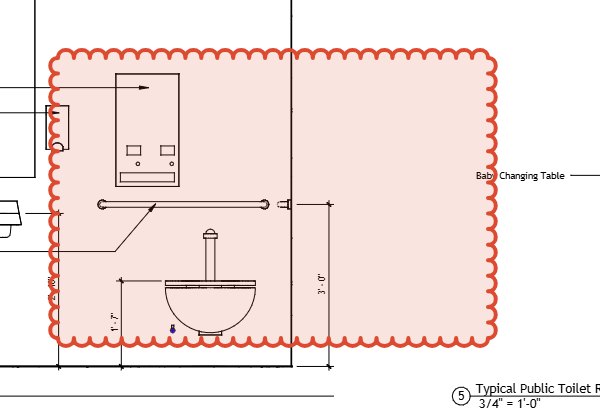
Open the drawing set locally
Open a PDF from your device in the browser. The local markup workflow does not upload the drawing or require an account.
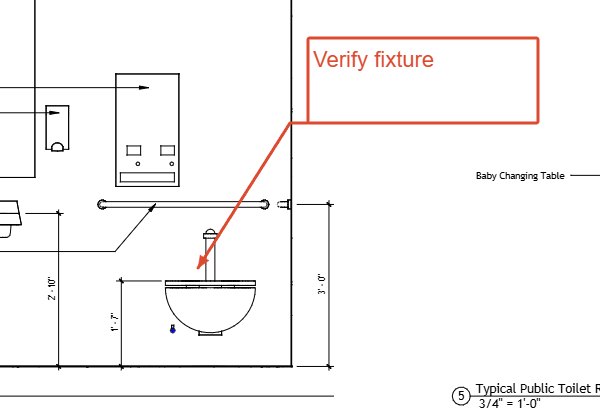
Mark the items for review
Use clouds to locate an item, then add a callout or text note to explain it. Keep each comment close to the area it describes.
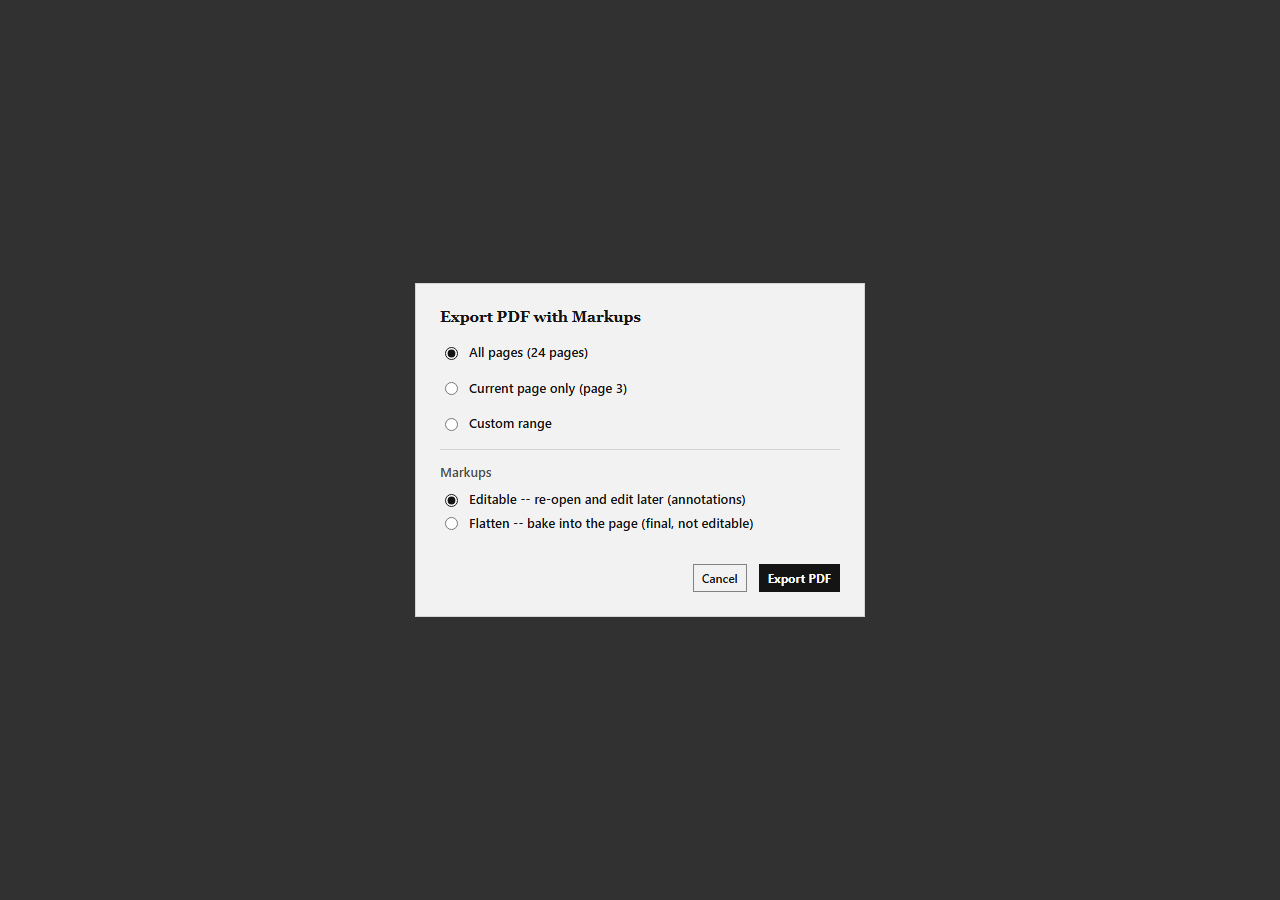
Export a PDF for reviewers
Choose an editable PDF when reviewers should add or adjust markups. Choose a flattened PDF when you need a locked copy with the marks on the page.
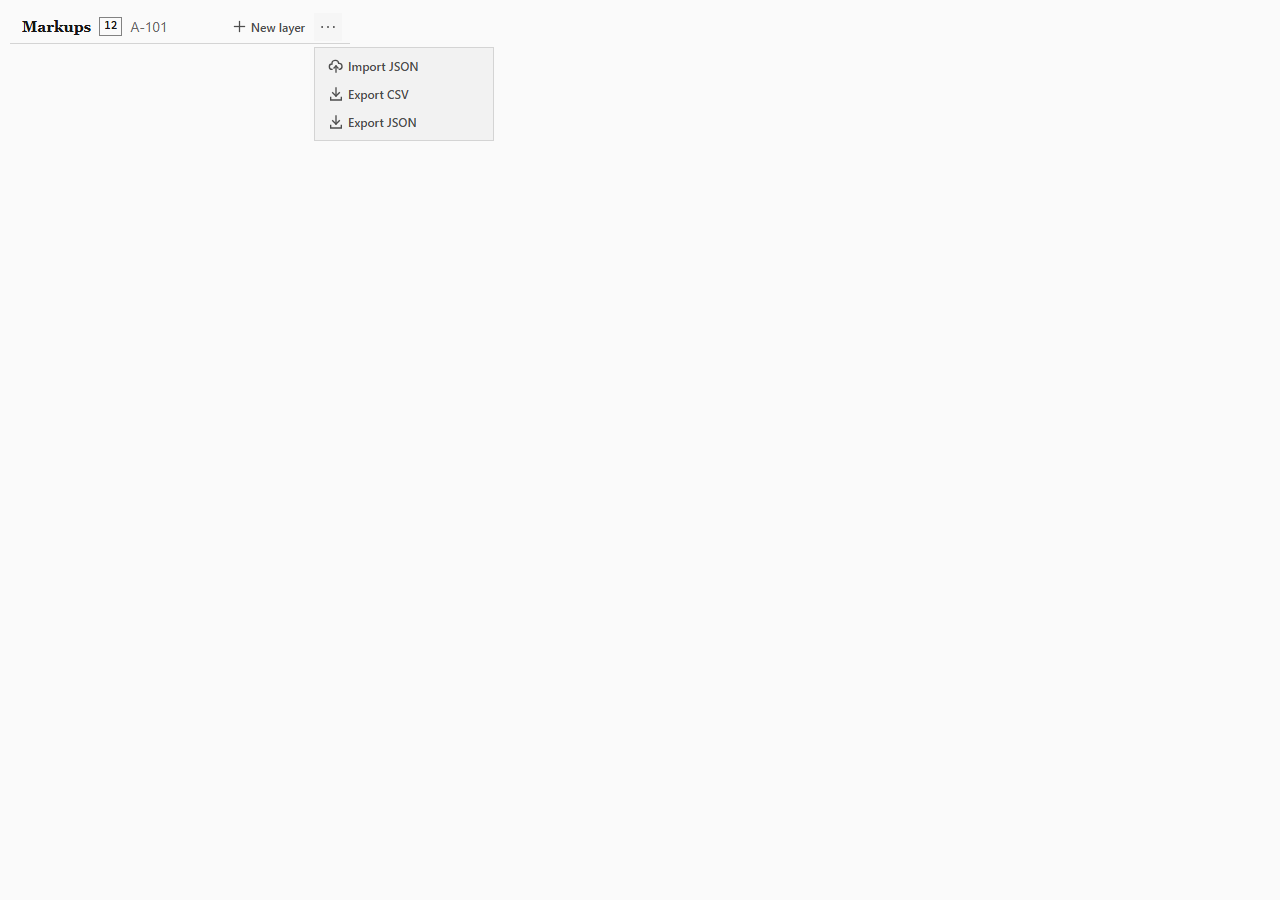
Include a CSV review log
Export the markup list to CSV as a separate row-based record. Send it with the PDF when reviewers need a list alongside the drawing.
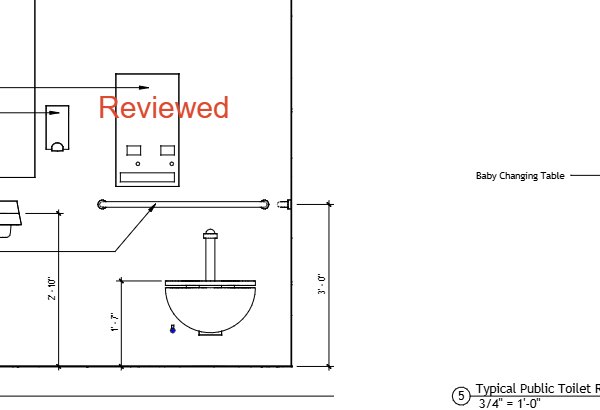
Continue from the returned PDF
Reviewers can open the editable PDF in PDF Markup Tool and add their own markups. Re-open the returned file in PDF Markup Tool to continue working on its markups.
Choose the review files you need
Send the editable drawing for more markups, or keep a flattened copy as the locked record.
Editable PDF
The editable export writes PDF annotations and a markup sidecar so the markups can be re-opened for editing.
Flattened PDF
The flattened export paints markups into the page content and writes no PDF annotations.
CSV review log
Export the markup list to CSV as a separate file for a row-based review record.
Shared cloud review (invite-only beta)
Shared cloud review is available through an invite-only beta. Request access to ask about joining.
Do reviewers need an account?
No account is needed to open a PDF locally, add markups, and export a file for review.
Can reviewers edit my markups?
Send an editable PDF. Reviewers can open it in PDF Markup Tool, add markups, and return the file for you to re-open.
Can I keep a locked copy?
Yes. Export a flattened PDF to keep a copy with the markups painted onto the drawing.
Is there real-time shared review?
Shared cloud review is in an invite-only beta. Request access to ask about it.
Start a review round
Open a PDF locally, add markups, and export the files you need to send.