Open a PDF.
Start marking it up.
Markup, annotation, and measurement for construction drawings — redline, dimension, and annotate any PDF, right in your browser. Your drawing stays on your computer: work offline, no install, no account.
Drop your PDF here
or
- Nothing uploaded
- Works offline
- No account needed
Every markup and annotation tool, free in your browser
Redline, dimension, measure, and annotate — no install and no account. Hover to explore, or just watch them go by.
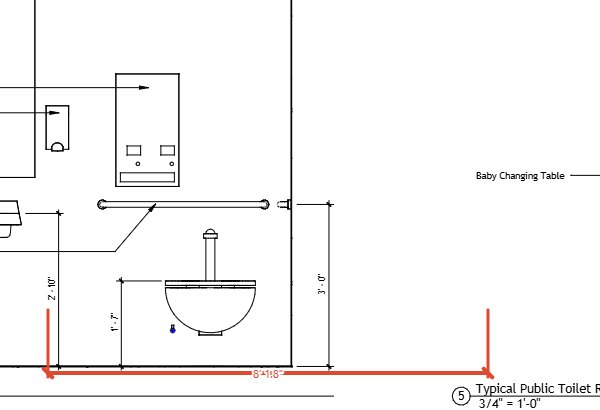
Dimension
Place architectural dimensions that read the right scale per viewport.
Local by default. No account needed.
Everything runs on your own machine — open, mark up, and export without signing in.
Opens on your device
Drop in a PDF and it loads straight into your browser — nothing is uploaded. Private, instant, and fully offline.
The full toolset, free
Redline, measure to scale, overlay BIM data, and export a finished PDF. The whole kit, no signup, no seat to buy.
Yours to keep
Every export is a standard PDF or CSV — no proprietary format, no lock-in, no subscription.
See your BIM, right on the PDF.
Open a bim pdf and every sheet carries its model data with it — no separate viewer, no round trip to authoring software.
- Element-level dataClick any object on the drawing to see its parameters, properties, and model IDs — pulled straight from the source model.
- Never drifts from the modelA bim pdf carries model data inside the PDF itself, so field markups and BIM data stay tied to the same drawing.
- Open, published schemabim pdf is a versioned, publicly documented format — any tool can read or generate one, not just ours.